
AERA / RECOVERY ENVIRONMENT
Made for touch.A native LVGL interface.
Room to grow.Signed runtime plugins.
Independent. Open source. AERA.
A fresh take on Android recovery. Flash, back up and take control — with an interface that feels right.
AERA / RECOVERY ENVIRONMENT
The next step is yours.
Here for a build, a closer look, or a first installation? Start with what you came to do.
Choose your device. Pick a channel. Everything you need is in one place.
Open downloads 02 / Take a lookExplore the interface, PC Connection and a growing plugin ecosystem.
Explore features 03 / Get startedInstallation guides, connection steps and resources for maintainers.
Read the docs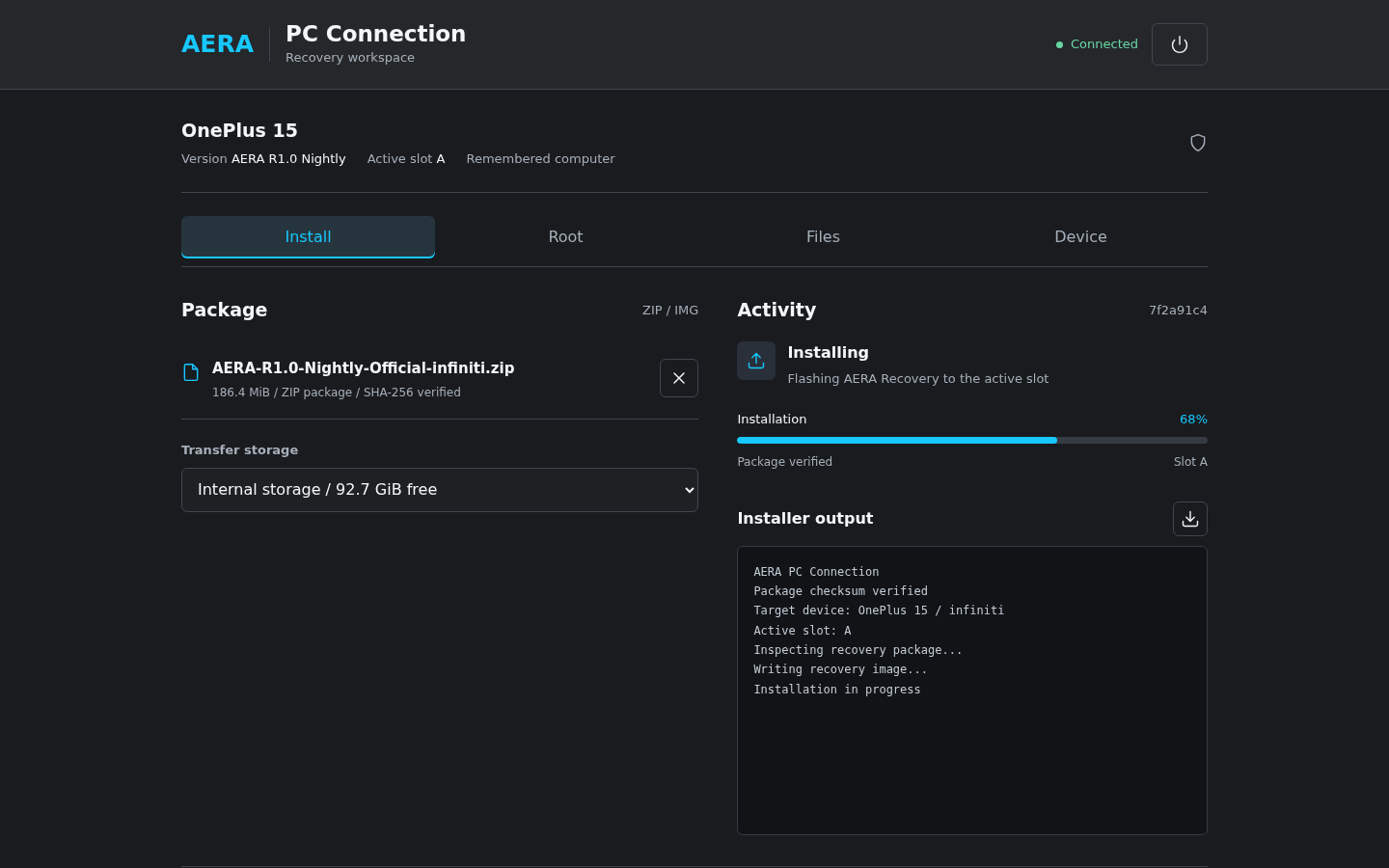 YOUR RECOVERY. FROM YOUR BROWSER.
A bigger view of your recovery.
Flash a ZIP, move your files or open a recovery terminal from your computer. Connect over Wi-Fi or USB, and approve access on your phone.
Meet PC Connection No desktop app required. No cloud connection.Built for your device.
Don't see your phone? Visit Device Requests in our community.
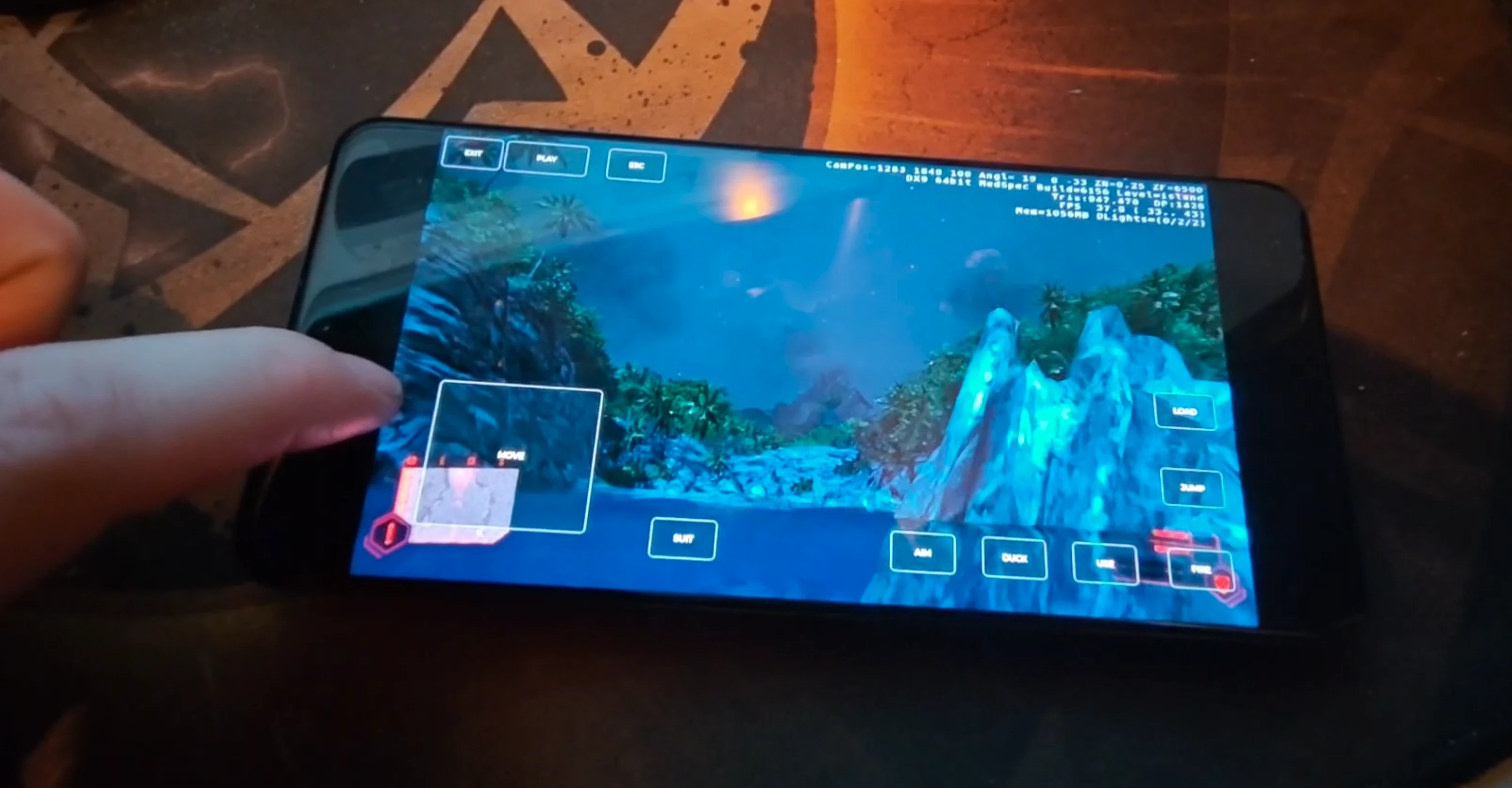
But can it run Crysis?
Recovery was only the beginning. Actual Crysis gameplay in AERA, from Jonas' experiment.
Game not included.
Made by people who care.
Meet the project, share an idea or help bring AERA to another device.